Good tools.
More possibilities.
Practical apps for PDFs, photos, printing and text. Find a tool for your iPhone or Mac.
See each product for platform support, pricing and release status.
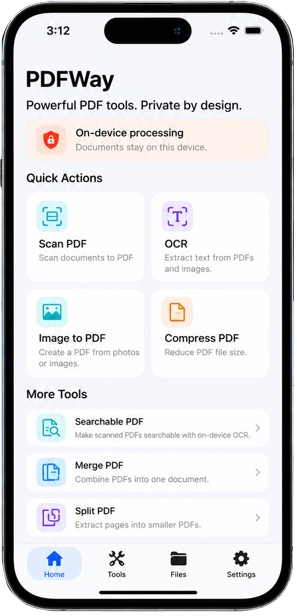
 PDFWay
Scan, OCR and PDF tools.
 View details
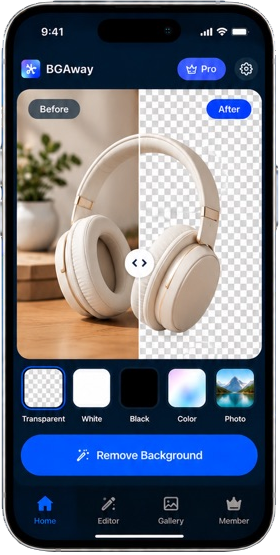
 BGAway
Remove backgrounds. Export transparent PNG.
 View details
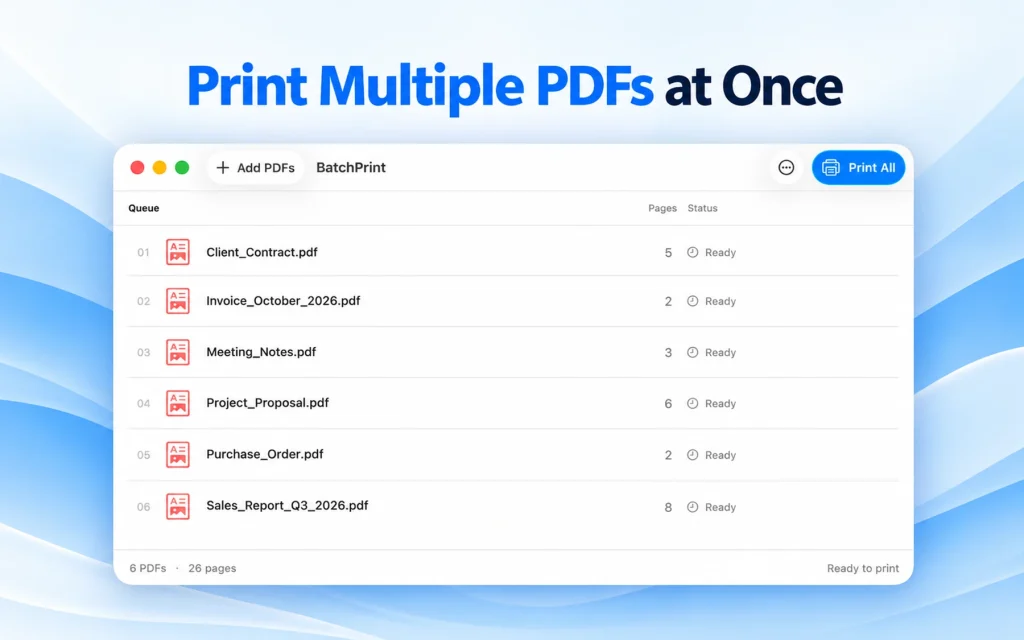
 Batch Print – PDF Printer
Batch-print PDFs on Mac. Preview pages and arrange the queue.
 View details
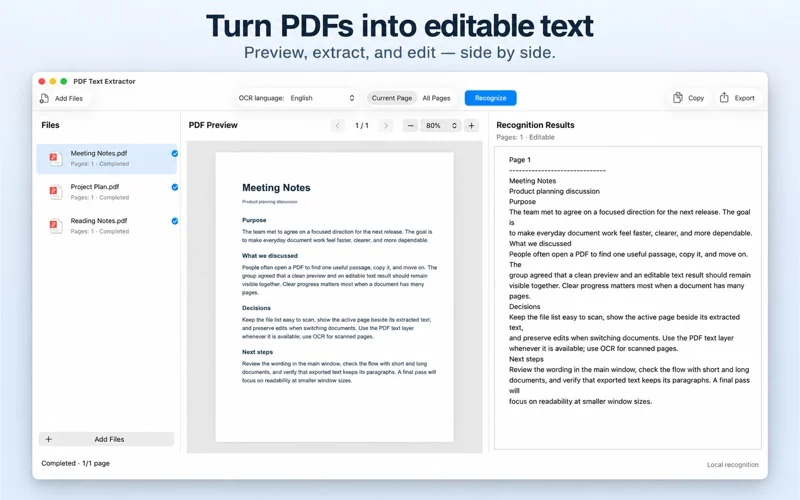
 PDF Text Extractor
Extract PDF text and recognize scans with local OCR on Mac.
 View details
Start with a good tool.
Explore our featured apps and what each one can do.
Made for your device.
A tool for the task.
Explore the collection.

Local archive extraction for Mac. Submitted for App Store review. Not yet available.

Get more from your apps.
How to Print Multiple PDFs on Mac with BatchPrint
Add PDFs, review their order and print settings, then check submission and the macOS printer queue. Based on published BatchPrint 1.0 instructions.
Existing app screenshot · interface as captured
Read guide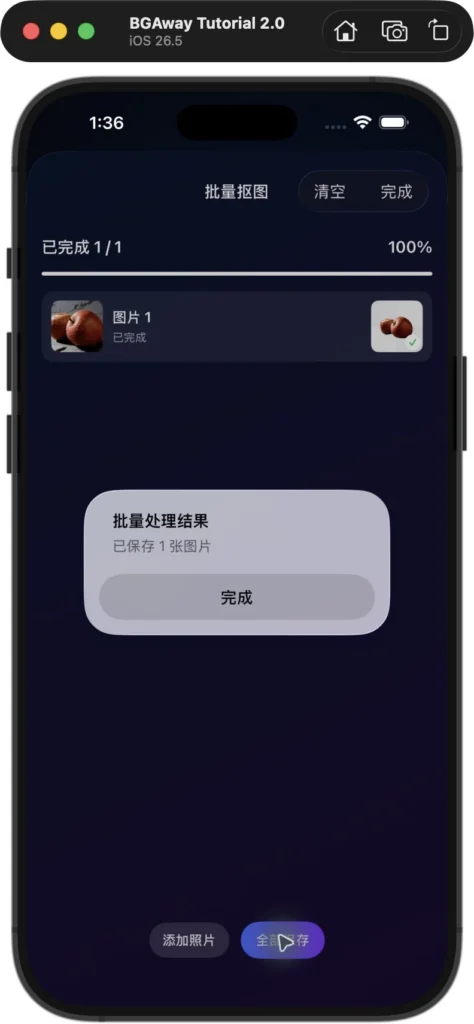
How to export a transparent PNG with BGAway: batch saving
Real one-image batch screenshots and the original transparent PNG, with the observed free-mode size, watermark and distinction from the single-image JPEG save path.
Chinese simulator UI · no translated interface image
Read guide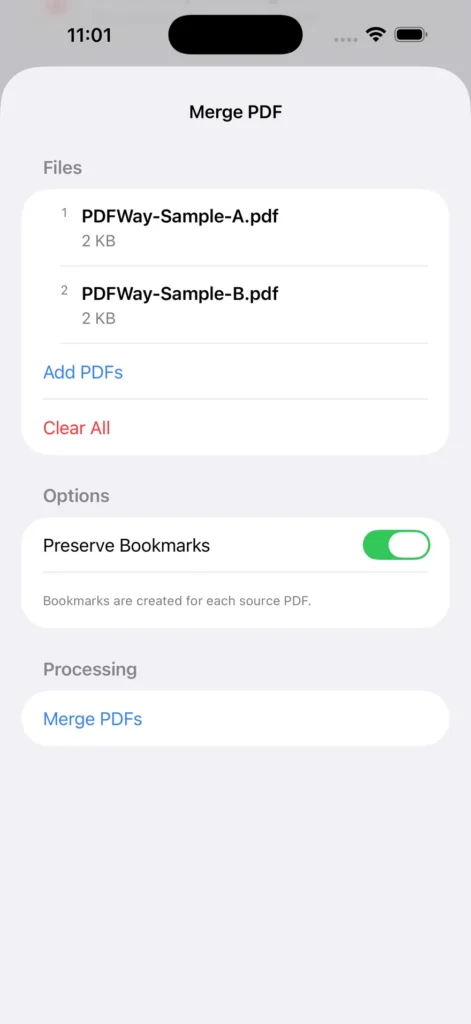
How to merge PDFs on iPhone: a PDFWay tutorial
A step-by-step merge walkthrough with genuine PDFWay 1.2 (2) simulator screenshots, sample PDFs and the verified two-page result.
English simulator UI · original screenshot
Read guide